



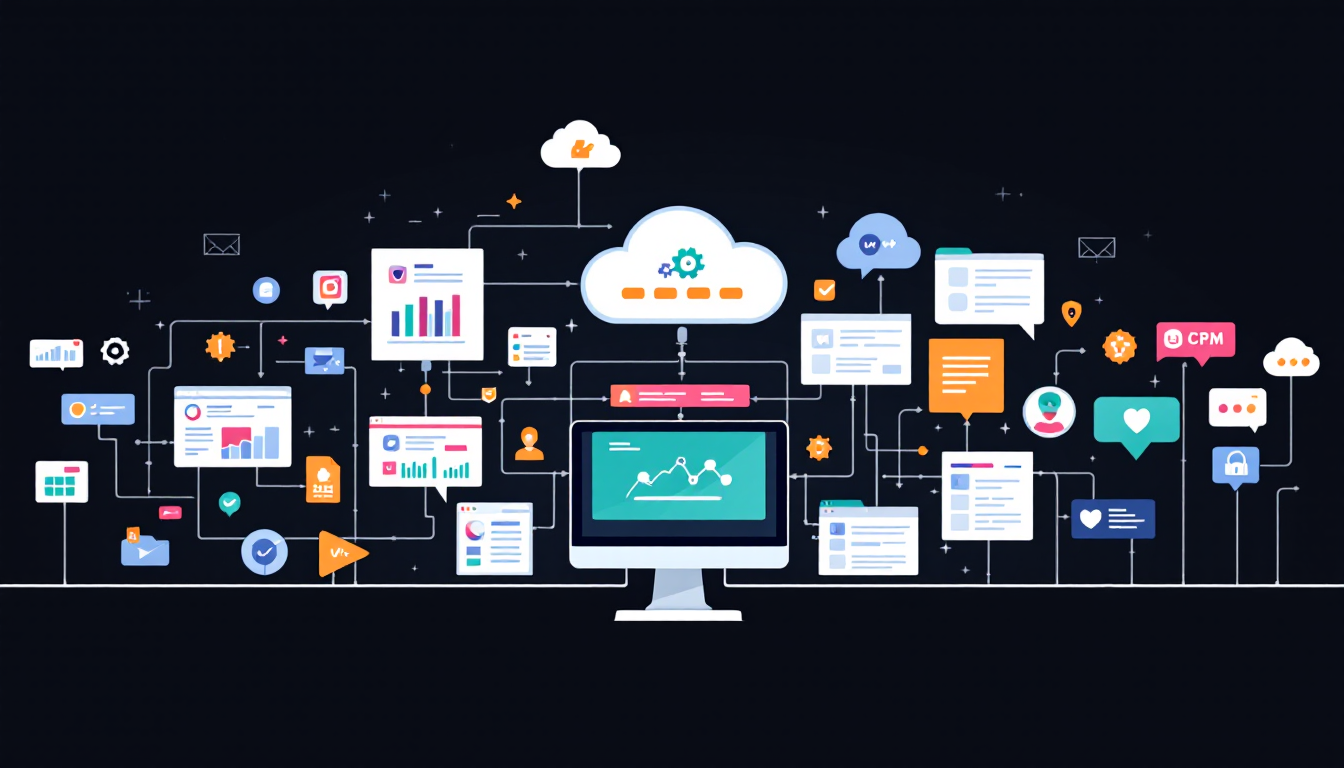
Integrating a virtual AI assistant into your company’s existing tech stack is no longer just a futuristic goal—it’s a practical strategy for driving productivity, improving collaboration, and staying competitive in today’s digital-first world. As organizations adopt more software platforms, cloud services, and communication tools, the complexity of managing workflows and data grows. A well-integrated AI assistant can bridge these systems, automate repetitive tasks, and provide a unified user experience across your business operations.
The benefits of integration are clear. By connecting your AI assistant to core systems—such as CRM, ERP, project management, and communication platforms—you enable seamless information flow, reduce manual data entry, and eliminate silos. APIs and automation tools allow the assistant to orchestrate workflows, trigger actions, and surface relevant insights in real time. According to industry research, companies that leverage AI-powered automation see measurable improvements in response times, user satisfaction, and operational efficiency.
Security and compliance are also critical. A robust integration ensures that your AI assistant operates within established data governance frameworks, respects privacy regulations, and provides auditability. With the right approach, integration doesn’t just make your tech stack smarter—it makes it safer and more adaptable to changing business needs. As the market for AI assistants continues to grow in 2024, organizations that prioritize strategic integration will unlock the full value of their digital investments.
Successful integration of a virtual AI assistant, such as CloneForce, starts with a clear strategy and a focus on business goals. Here’s how to get started:
Real-world examples show that companies integrating AI assistants like CloneForce with their tech stack experience faster response times, improved data accuracy, and reduced operational costs. For instance, a mid-sized enterprise that connected its AI assistant to its CRM and project management tools reported a 30% increase in workflow efficiency and a 25% reduction in manual errors within six months.
Integration is an ongoing process—budget for ongoing support, updates, and continuous improvement. By following these best practices and leveraging platforms like CloneForce, your organization can harness the full power of AI while ensuring a secure, seamless, and scalable digital ecosystem.


